
Browse the Widget Library
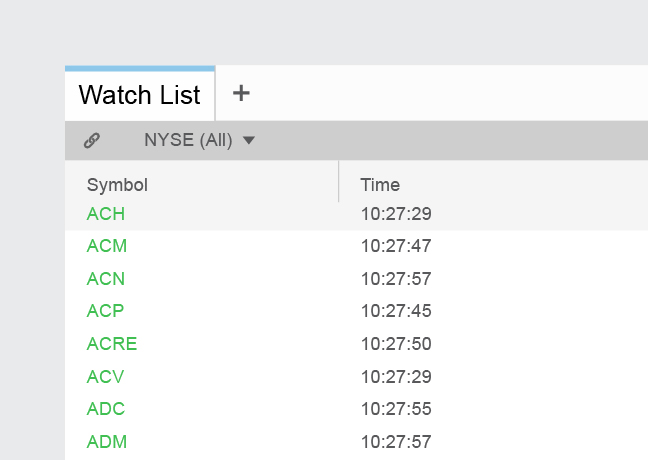
Watch List Grid View
The Watch List displays a list of symbols that you would like to track with associated data points in a table format. The column headings (data points) are configurable.
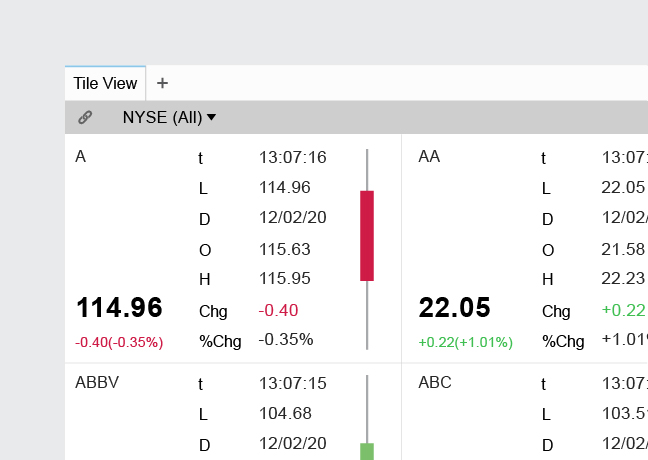
Watch List Tile View
Create and track a list of instruments with a customizable visual for each symbol.
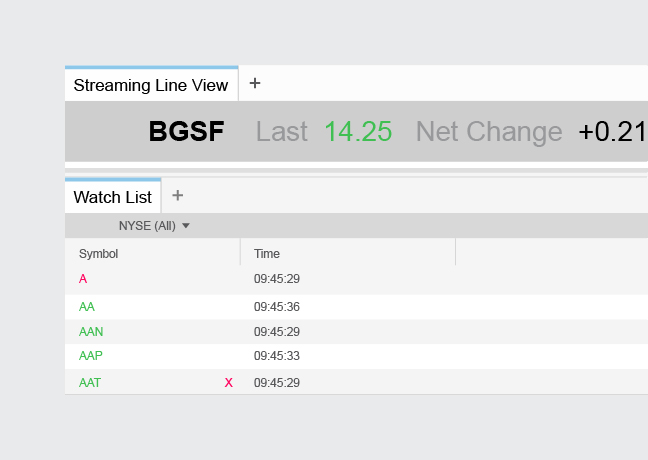
Watch List Streaming Line View
A single line view that circulates through your list of symbols at an adjustable speed, typically used as a header or footer.
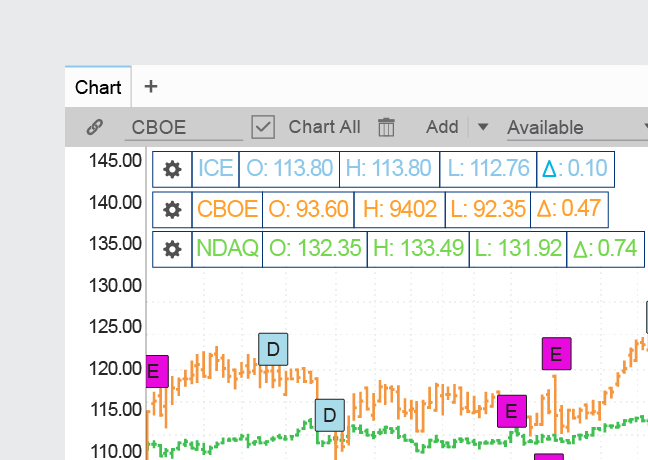
Chart
Embed the chart widget to view real-time and delayed, intraday and historical data, with a variety of plot types, drawing tools, technical indicators, and overlays such as corporate actions and peers.
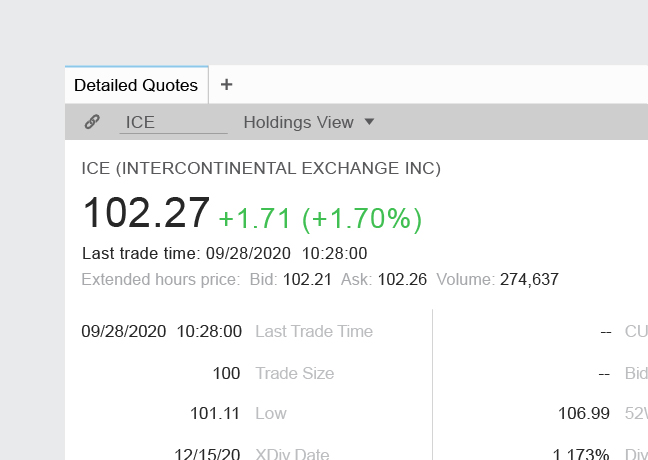
Detailed Quote Standard View
The Detailed Quote widget allows you to see in-depth information on an instrument. The fields and their locations are configurable. There are also several layouts provided. Embed this widget to allow a user to choose from over 100 key data points across asset classes in one click.
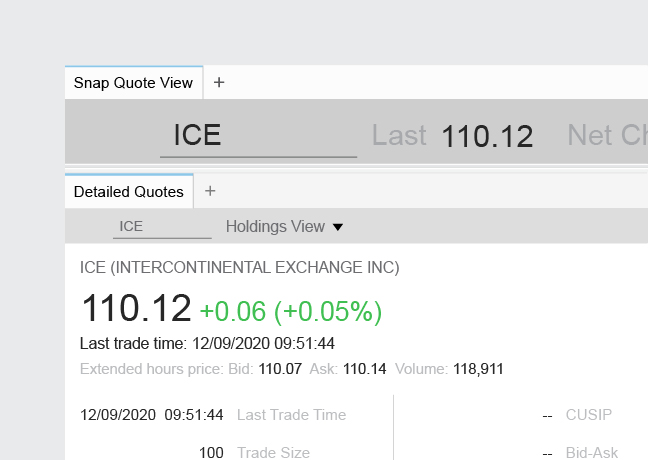
Detailed Quote Snap Quote View
Quickly access live quotes with customizable data point in a single line.
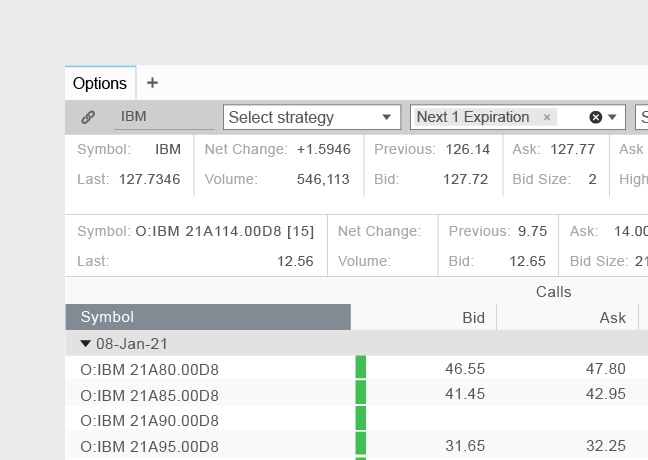
Options
The Options widget allows you to see in-depth information on option contracts. The strategy, expiration, strike, and columns are configurable in order to display all the information you need in the table.
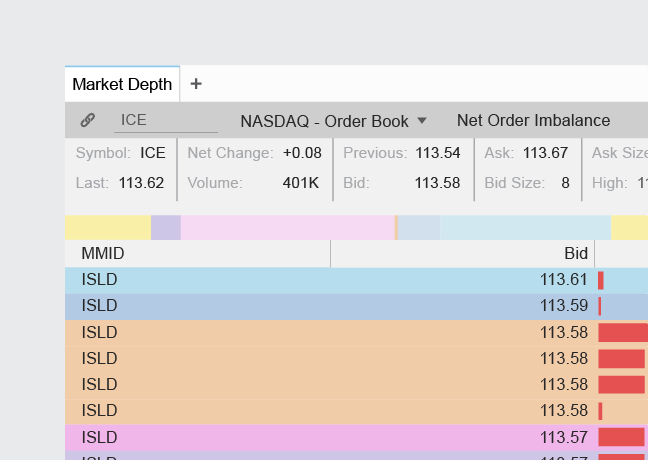
Market Depth
The Market Depth widget displays real time orders for the available books and the size of each order for the entered symbol. View quote activity by price level, with detailed insight into price action and order imbalances.
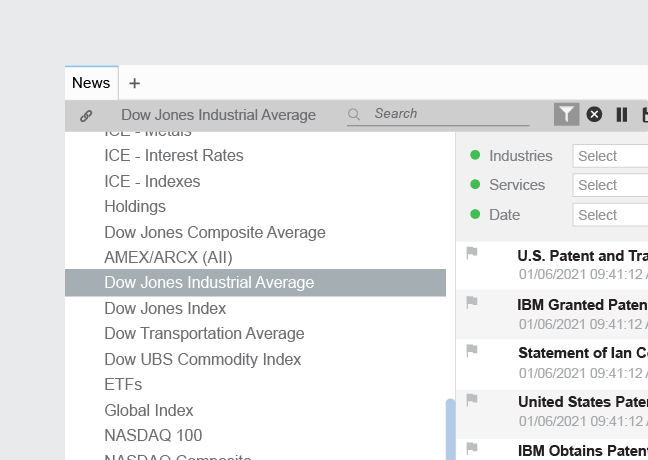
News
The News widget allows users to quicky view real time streaming news, with the ability to filter by symbols, watch lists, industries, services, date, geography, or topics. This allows your users to narrow down results in real time or historical news to find exactly what they are looking for.
Fundamentals
Access company fundamentals, consensus estimates, analyst recommendations, and ownership all with export capabilities.
Watch List Grid View
The Watch List displays a list of symbols that you would like to track with associated data points in a table format. The column headings (data points) are configurable.
Watch List Tile View
Create and track a list of instruments with a customizable visual for each symbol.
Watch List Streaming Line View
A single line view that circulates through your list of symbols at an adjustable speed, typically used as a header or footer.
Chart
Embed the chart widget to view real-time and delayed, intraday and historical data, with a variety of plot types, drawing tools, technical indicators, and overlays such as corporate actions and peers.
Detailed Quote Standard View
The Detailed Quote widget allows you to see in-depth information on an instrument. The fields and their locations are configurable. There are also several layouts provided. Embed this widget to allow a user to choose from over 100 key data points across asset classes in one click.
Detailed Quote Snap Quote View
Quickly access live quotes with customizable data point in a single line.
Options
The Options widget allows you to see in-depth information on option contracts. The strategy, expiration, strike, and columns are configurable in order to display all the information you need in the table.
Market Depth
The Market Depth widget displays real time orders for the available books and the size of each order for the entered symbol. View quote activity by price level, with detailed insight into price action and order imbalances.
News
The News widget allows users to quicky view real time streaming news, with the ability to filter by symbols, watch lists, industries, services, date, geography, or topics. This allows your users to narrow down results in real time or historical news to find exactly what they are looking for.
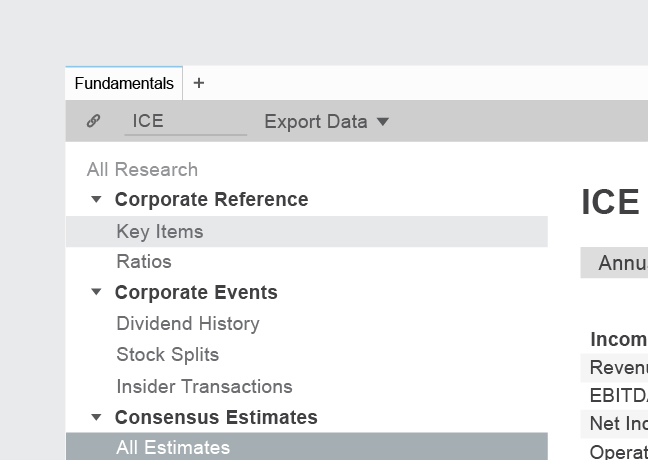
Fundamentals
Access company fundamentals, consensus estimates, analyst recommendations, and ownership all with export capabilities.
- « First
- ‹ Previous
- 1
- Next ›
- Last »